SafeLog

Maintain any number of YouTube channels without confusion or risks

Try SafeLog - a professional tool for managing a network of YouTube channels. Free trial with 2 profiles. Free Proxies included. Fund a wallet when you are ready to scale.

FREE TRIAL

Download SafeLog · sign up on getsafelog.com · start two channels today
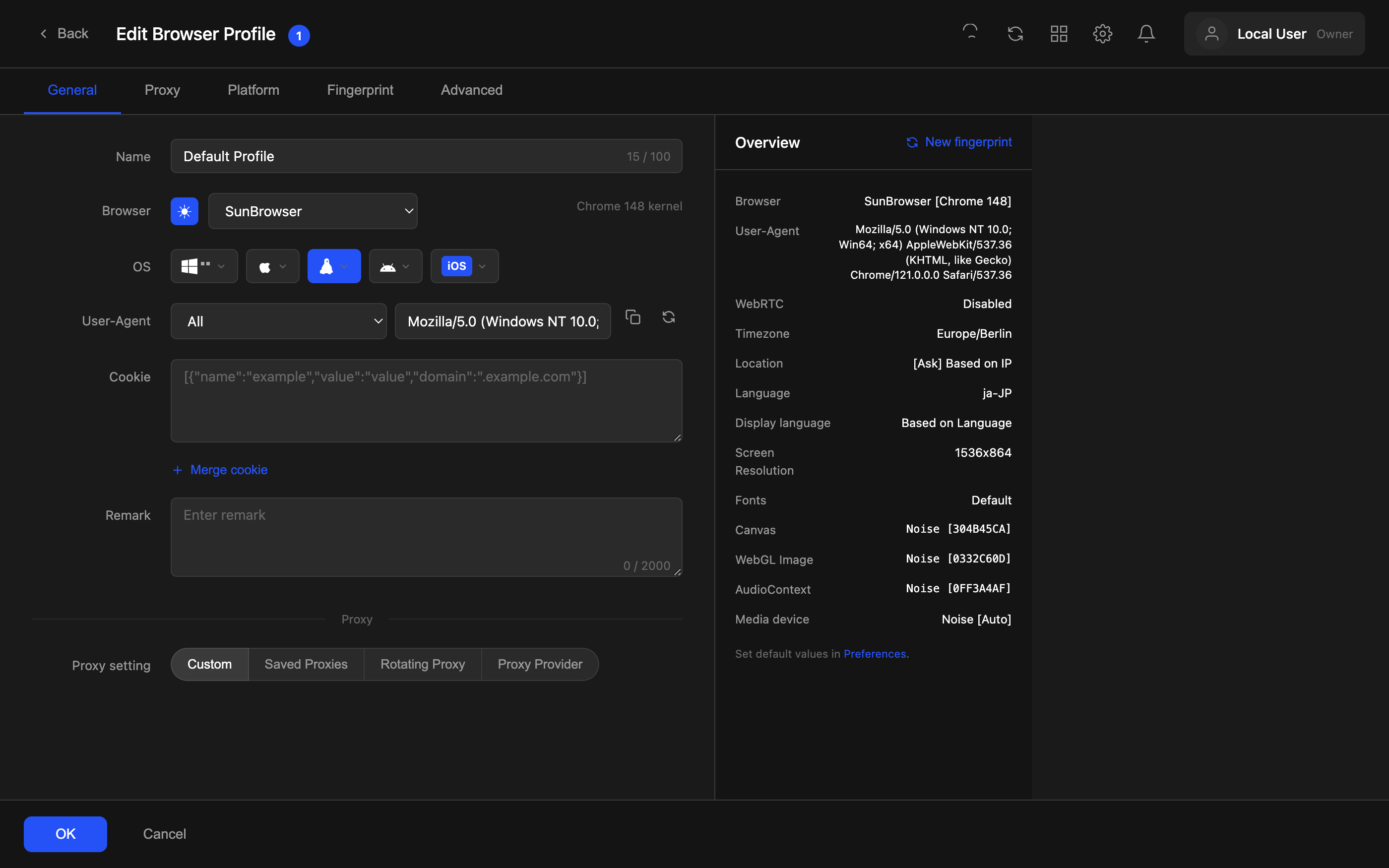
SafeLog profiles manager for YouTube channels

For solo authors (3-5 channels)

Maintaining several niches simultaneously.

For mini studios (5-10 channels)

Secure teamwork without passing passwords.

For YouTube agencies (10-50+ channels)

Client network management.

How it works

1 profile in SafeLog = 1 YouTube channel

You create a profile and log into your account once. Now this channel “lives” in the SafeLog profile.

YT
UrbanFood Lab | US
Channel fully warmed
YT
TravelHouse | PT
New account · Keep close

One SafeLog browser - instant access to all accounts

You manage a network of channels from one browser without leaving your accounts.

For YouTube, your accounts look independent

YouTube doesn’t connect your projects. This protects them from mass blocking.
ABC DEF GH

How SafeLog is changing the way you work with YouTube

Daily switching
Without SafeLogEndless re-logins, confusion in accounts and lost passwords
With SafeLogEach YouTube channel is logged in a separate window. You switch between them in one click
Ban risk
Without SafeLogOne ban “kills” the whole network of channels because of shared IP and device data
With SafeLogFull isolation. Each channel is a separate device for YouTube. A ban on one does not affect the others
Password safety
Without SafeLogScary to pass logins and passwords to employees. There is a risk of leaks
With SafeLogYou share a profile in SafeLog with colleagues, not the password
Experiments
Without SafeLogRisk of losing the main account when testing new niches
With SafeLogUnlimited experiments. You launch new formats on “clean” channels without risk for the main ones
New markets
Without SafeLogAccounts often get banned when you force geo changes
With SafeLogYou create profiles for the right geo using proxies. For YouTube you are a real resident of the US or Europe

Questions and answers

How do I start free?
  1. Register on getsafelog.com.
  2. Download and install the SafeLog desktop app.
  3. Sign in and create up to 2 profiles on the free trial.
  4. Use GateBrowser for each YouTube channel (one profile = one channel).
How is SafeLog different from normal Google Chrome?
In a normal browser all your accounts are linked by shared data (IP, cookies, device parameters). If you log out of one account and into another, YouTube still understands it is you. In SafeLog each profile is an isolated environment. Data from one channel does not mix with another.
Do I need proxies?
Yes, for full isolation of channels we recommend connecting a proxy to each profile. Then YouTube will see that your channels are physically in different places. Free proxy generation is available for tests. Buy stable proxies from trusted providers for live channels.
Can I work in SafeLog with a whole team?
Yes, you can invite employees and give each person access only to the profiles (channels) they work with. You do not need to give them logins and passwords from the accounts themselves.

Many channels. One convenient browser

No re-logins, bans, or extra routine.

Try it
SafeLog multi-channel YouTube profiles